 Reel
ReelAI video studio for faceless YouTube channels An idea in.
A published video out.
Research, script, cast, voice, visuals, edit, packaging and publishing in one studio. You direct. ReelFlow produces.
A bedtime story: a fox finds a book of light in a night libraryStart directingNine tools. Nine exports. One very long week.
Research in one tab, the script in another, then the voiceover, the images, music and sound, the edit, captions, a thumbnail and the upload, each with its own subscription. Every hand-off is a place where a channel stalls.
The tabs fall away.
The nine crafts stop being nine apps to open, export from and stitch together. In ReelFlow they are the steps of one production.
Nine crafts. One flow.
Each step hands its work straight to the next, so nothing waits for an export, a download or an upload. The production keeps moving, from the first idea to the published video, and on to the next one.
Every channel gets its own DNA.
Design a channel with AI, adapt the strategy of the channels that lead your niche, or bring the one you have. ReelFlow keeps its DNA and makes every video from it.
- Thumbnails in your channel's style
- Your hooks, your tone, your narrator
- Your content pillars, for your audience
Ride the trends that fit.
ReelFlow studies the channels winning in your market, scores every idea against your channel's DNA, and adapts the ones worth making to your niche and your audience.
A script with a spine.
Long-form scripts written to proven story beats and your channel's hooks, versioned, and checked before a single frame is rendered.
Same face. Any age.
Characters and places are designed for each story, then stay consistent across a long video: the same person at 24 and at 70, at work or at home, in whatever the scene calls for.
Directed shot by shot.
A director breaks the script into shots and plans each one, for the picture and for the sound, before anything is rendered.
Rendered frame by frame.
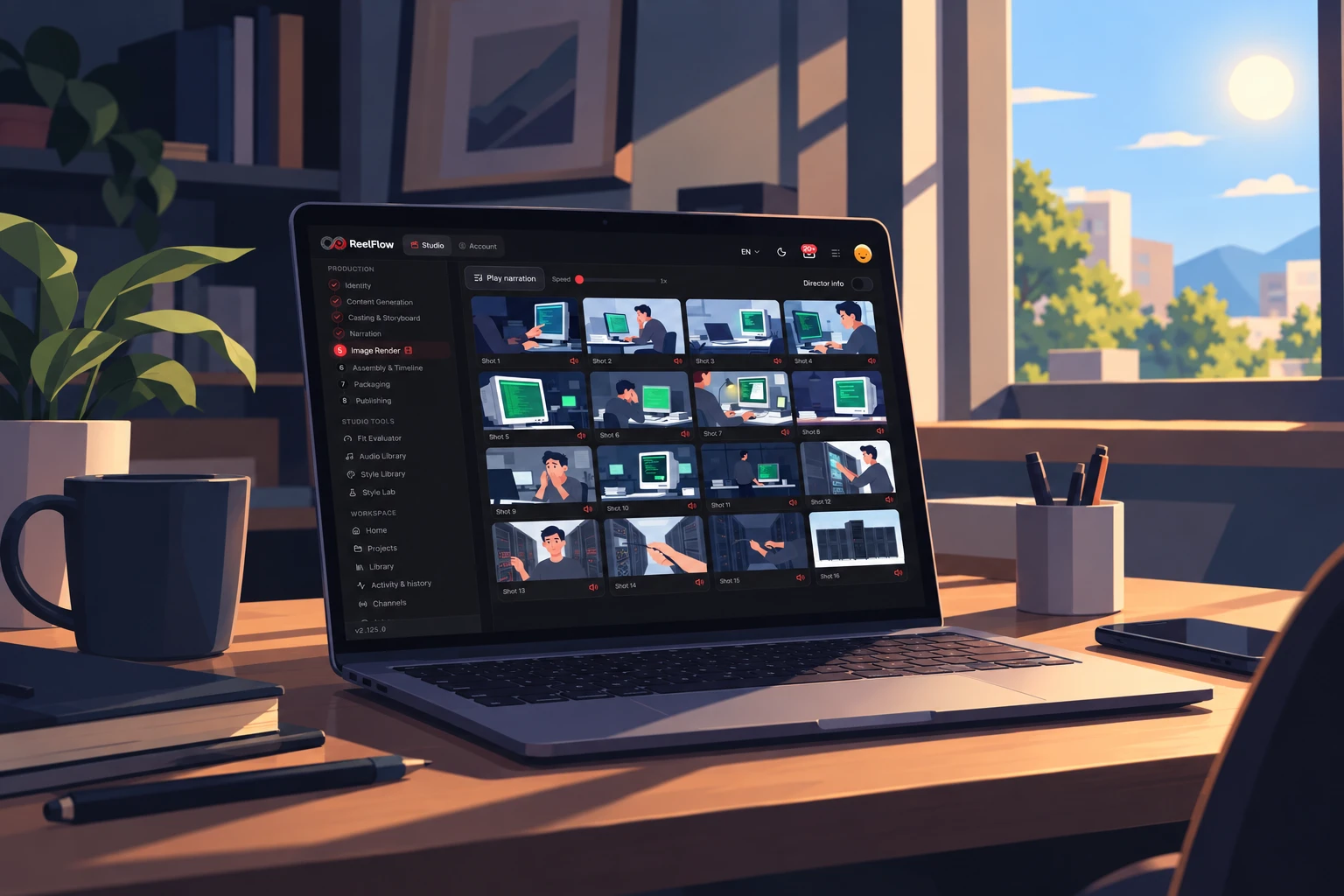
The storyboard fills in: every planned shot is rendered in your channel's style, with the cast you approved.
A voice that fits the channel.
Natural narration in many languages, in your channel's voice, timed word by word so captions land exactly on the beat.
Cut, scored, mixed.
The finished cut comes to you with motion on every still, karaoke captions, and music and sound effects directed scene by scene. Want to change a shot or a sound? Open the timeline in your editor and polish it in minutes, not hours.
- An edited video, ready to publish
- The timeline for Premiere Pro or DaVinci Resolve
- Licence-free music and sound, safe to monetize
Packaged and published.
Title, description, chapters, tags and a thumbnail in your channel's style. It goes to YouTube private first, and public when it's ready, or on your schedule.



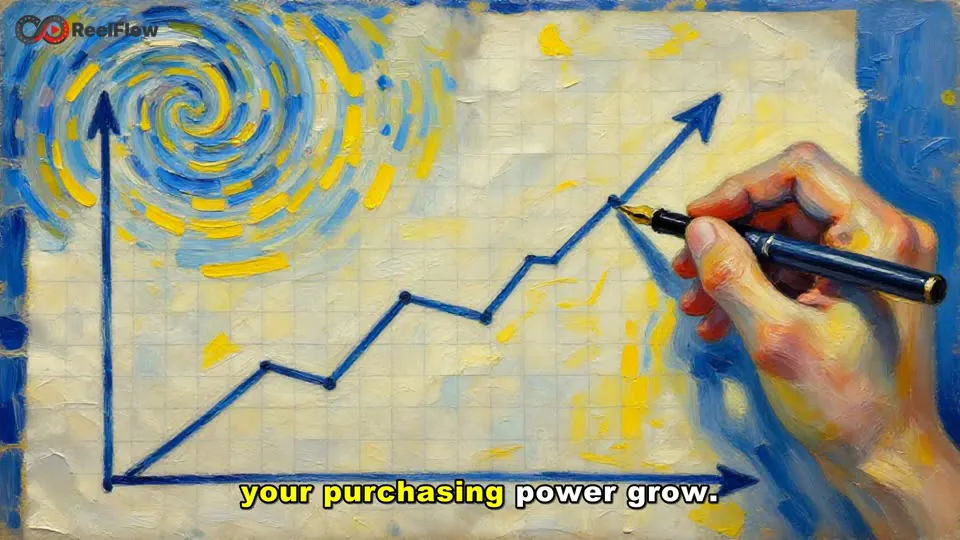
One idea starts a production.
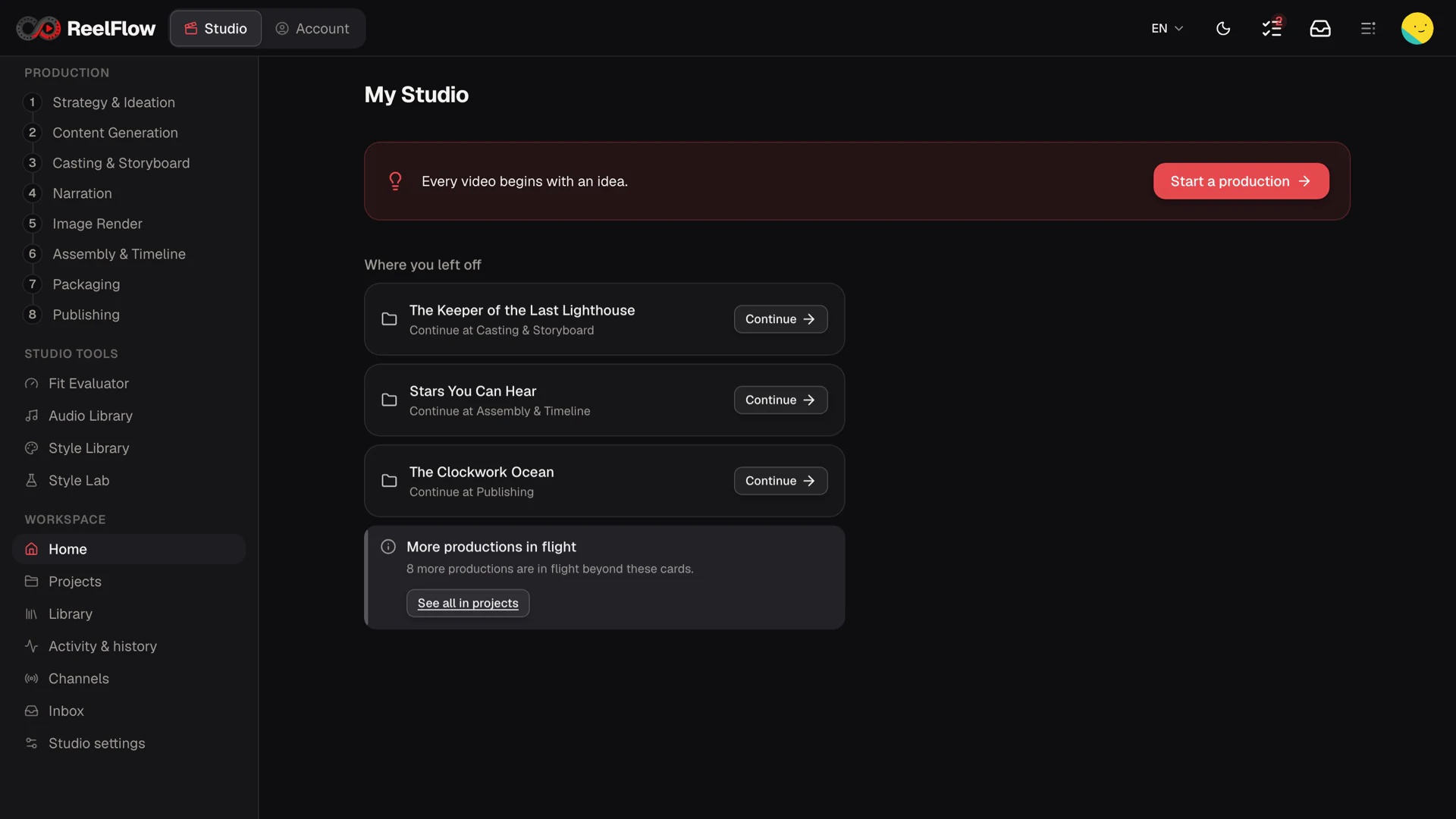
Bring the idea and ReelFlow takes it from research to a finished cut. Every step lives in one studio, not in nine tabs.
Every video, right where you left it.
Several productions move at the same time, each made from its own channel's DNA and waiting at the step you reached. For one creator, and for studios running many channels.
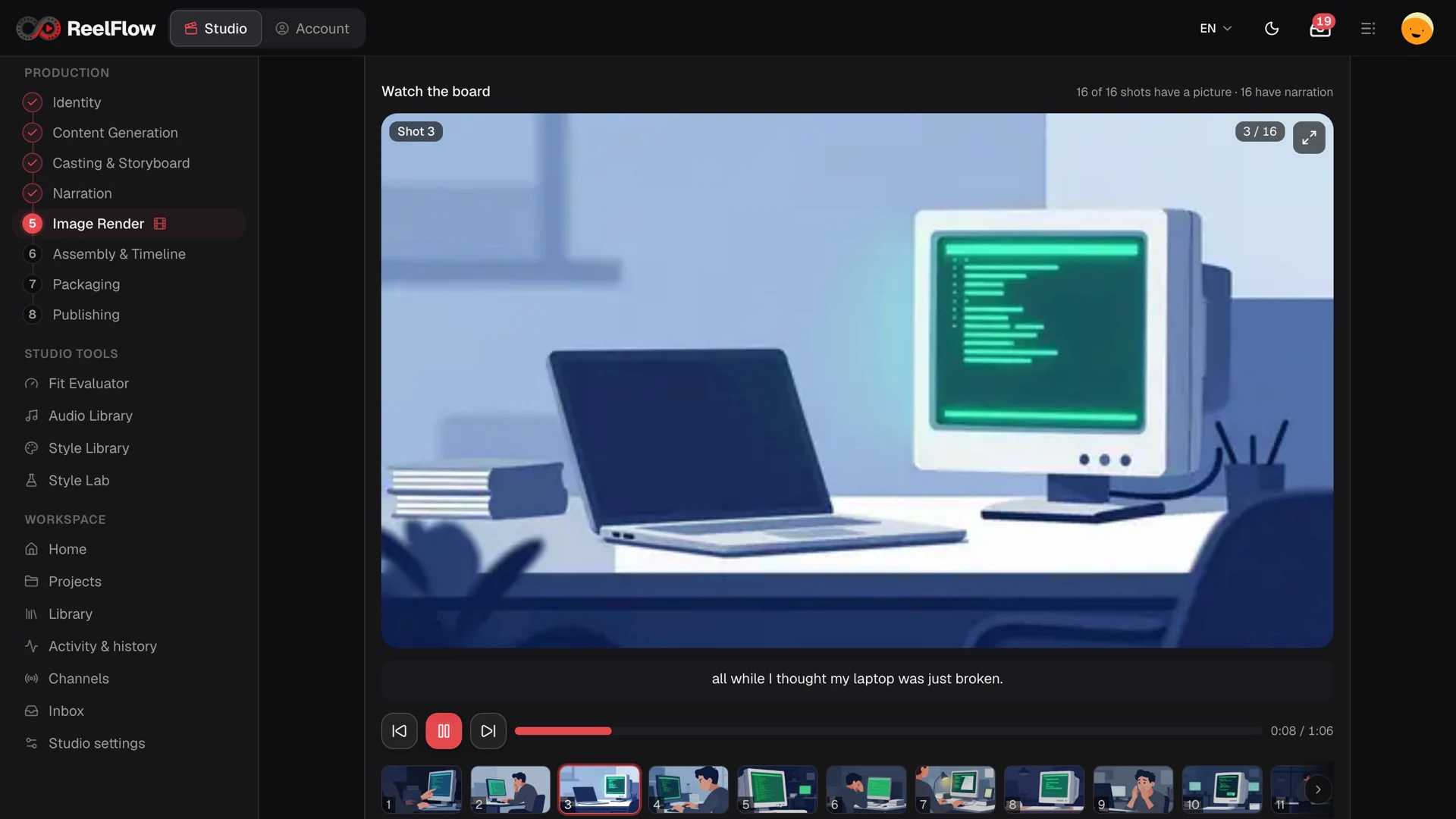
See it before it's cut.
Play the whole storyboard with its narration, shot by shot, and fix what isn't right before the edit.
One idea. Any style.
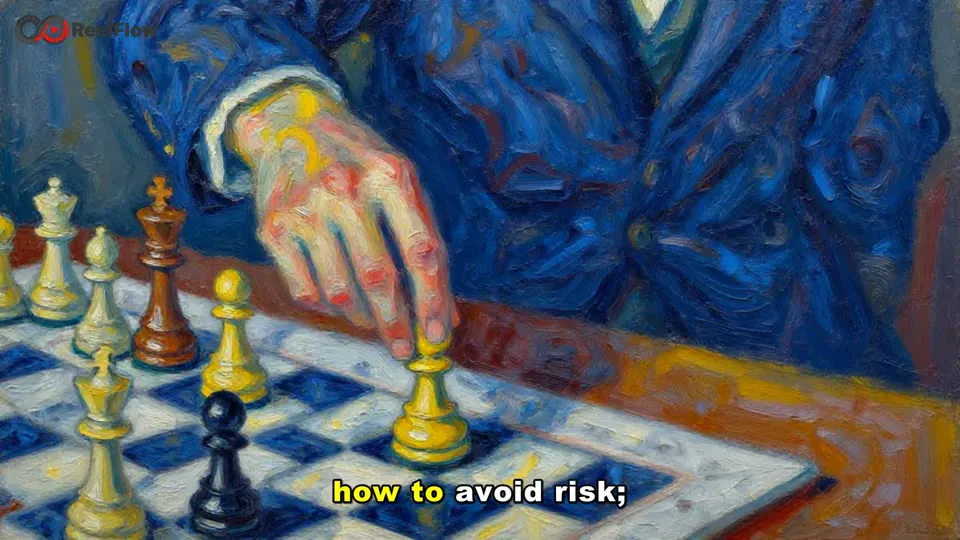
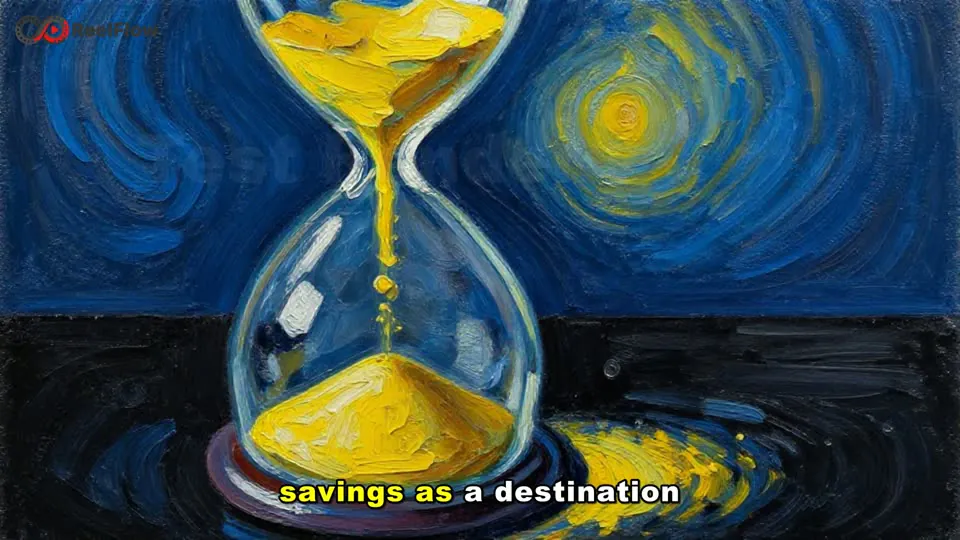
3D animation, flat vector, painterly or your own look. Show the Style Lab an image and your channel keeps it, video after video.

 3D AnimationFlat Vector
Direct every step. Or let it run.
Stay in the chair and make every call, check in only at the moments that matter, or let ReelFlow take the video from the idea to your channel on its own.
- ✓Direct every stepApprove each stage, edit any line, step in at any shot.
- ✓Approve the big threeThe idea, the script and the cut. ReelFlow handles the rest.
- ∞AutopilotIdea in, published video out, on your schedule.
Direct it from anywhere.
Approve the script, choose the style and start the render from your phone's browser. ReelFlow lets you know when it needs you.
- Any phone browser
- Notifications when it needs you
- One tap to approve
Your laptop renders.
The ReelFlow desktop app makes the voice, the images and the whole video on your own laptop's graphics card while you're out.
- Mac, Windows and Linux
- A 10 to 15 minute video in under an hour
- No per-minute or per-token bill for what your machine renders

Made with ReelFlow.
Every story, shot by shot. Every channel, in its own style.

The Moss Guardian
01 / 03Mira rides the rope above the sky town, Pip in the basket.
Every style
Your next video is already in the queue.
Start free. Bring one idea, leave with a finished video.
Start directingBefore your first take.
What is ReelFlow?
ReelFlow is an AI video studio for faceless, narration-led YouTube channels. It takes one idea through research, script, casting, storyboard, images, voice, edit, packaging and publishing in one flow, and you decide how much of it you direct.
Who is ReelFlow for?
People who run faceless YouTube channels, from one independent creator to studios, agencies and networks running many channels. Every channel keeps its own DNA, so each one looks and sounds like itself.
What is channel DNA?
Everything that makes a channel recognisable: its thumbnails, hooks, tone, visual style, narrator, content pillars and audience. Design it with AI, adapt it from the channels that lead your niche, or bring the channel you already have. Every video is made from it.
Do I need to show my face or record my own voice?
No. ReelFlow narrates in your channel's voice, naturally and in many languages, and times every word so the captions land on the beat. Characters and places are designed for each story and stay consistent across a long video.
How much control do I keep?
As much as you want. Direct every step, approve only the big three (the idea, the script and the cut), or let it run on autopilot, from the idea to a published video on your schedule. You can approve from any phone browser.
Can I finish the edit in Premiere Pro or DaVinci Resolve?
Yes. You get an edited video, ready to publish, and the timeline for Premiere Pro or DaVinci Resolve whenever you or your editor want to change a shot or a sound.
Where is the video rendered, and what does that cost?
The ReelFlow desktop app for Mac, Windows and Linux renders the voice, the images and the whole video on your own computer's graphics card. There is no per-minute or per-token bill for what your machine renders, and a 10 to 15 minute video usually takes under an hour on a laptop's graphics card.
Does ReelFlow publish to my YouTube channel?
Yes. It writes the title, description, chapters and tags, makes a thumbnail in your channel's style, and uploads the video as private first. It goes public when it's ready, or on your schedule.
Is the music safe to monetize?
Yes. Music and sound effects come from licence-free libraries that are safe to monetize on YouTube.
How do I start?
Start free in your browser: bring one idea and leave with a finished video. The studio is at studio.thereelflow.com.